
A Comprehensive Guide to Designing for Accessibility in UX


Understanding Accessibility in UX Design
Designing for accessibility in UX is about creating digital experiences that are usable by everyone, regardless of their abilities or disabilities. It involves considering the diverse needs of users to ensure that products are inclusive and accessible. This guide will walk you through essential elements and best practices for designing with accessibility in mind.
Principles of Accessible Design
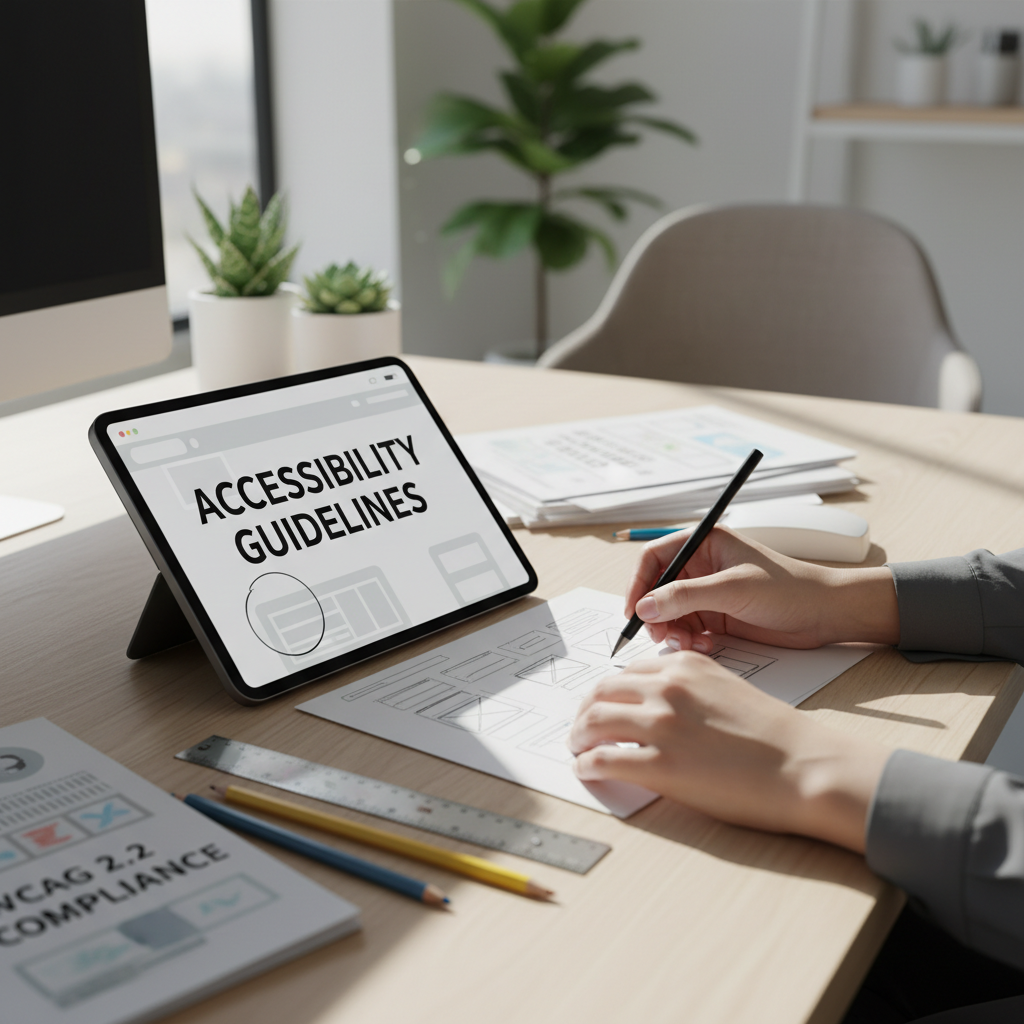
Adhering to the principles of accessible design can greatly enhance user experience. Key principles include perceivability, operability, understandability, and robustness. These principles ensure that users can perceive and interact with the content, understand the information, and access the content regardless of the technology they use.
To implement perceivability, ensure that all text has sufficient contrast against backgrounds, and provide text alternatives for non-text content. For operability, design interfaces that can be navigated using both keyboard and mouse.
Implementing Accessible Design Techniques
One effective technique is to use semantic HTML, which helps screen readers interpret content correctly. Additionally, labeling form elements properly ensures that assistive technologies can convey necessary information to users.
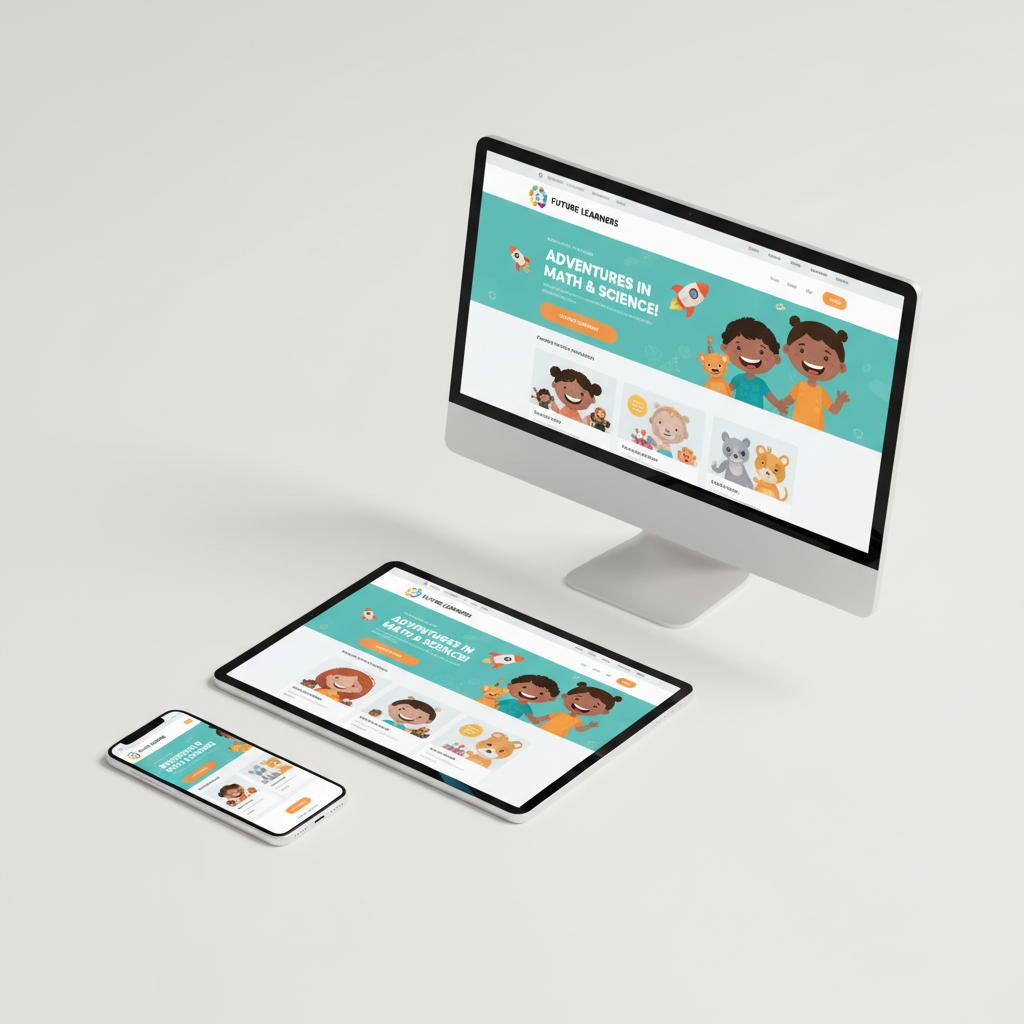
Color choice is crucial in accessible design. Avoid relying solely on color to convey information, as users with color blindness may find it difficult to differentiate between elements. Use patterns or labels alongside colors for clarity.
Testing for Accessibility
Testing is a critical step in designing for accessibility. Regularly test your designs using accessibility evaluation tools and screen readers to identify potential issues. Involve users with disabilities in the testing process to gain valuable insights into real-world usage.
Consider using tools like WAVE or Axe to assess your design's compliance with accessibility standards. These tools can highlight areas that need improvement and offer suggestions for enhancing accessibility.
Benefits of Designing for Accessibility
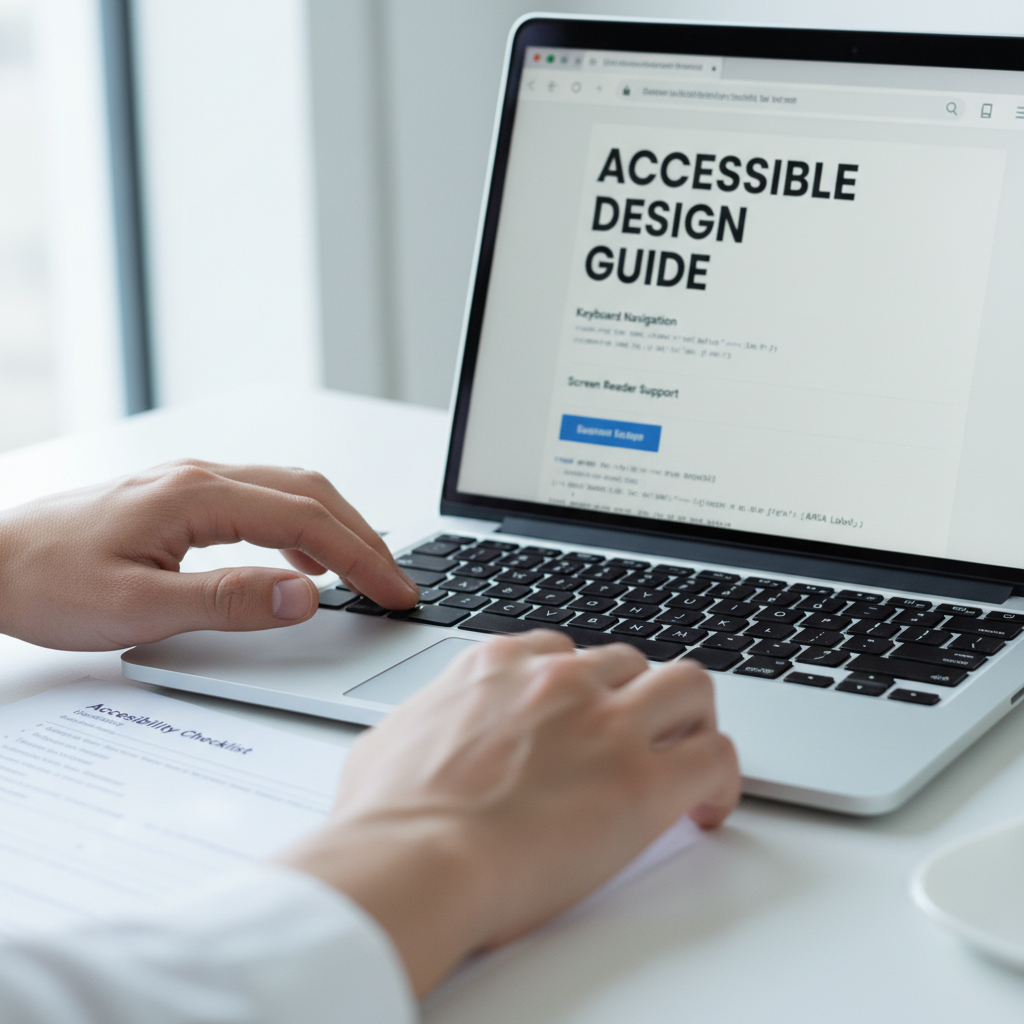
Designing for accessibility not only benefits users with disabilities but also enhances the overall user experience for everyone. By creating inclusive designs, you increase the reach of your digital products and improve customer satisfaction.
Accessible design also contributes to legal compliance, as many regions have regulations mandating digital accessibility. By adhering to these standards, you protect your business from potential legal challenges.
Conclusion
Designing for accessibility is a crucial aspect of UX that ensures inclusivity and usability for all users. By following best practices and regularly testing your designs, you can create seamless, accessible experiences. Embrace the principles of accessible design to build products that everyone can enjoy.